Common shell type
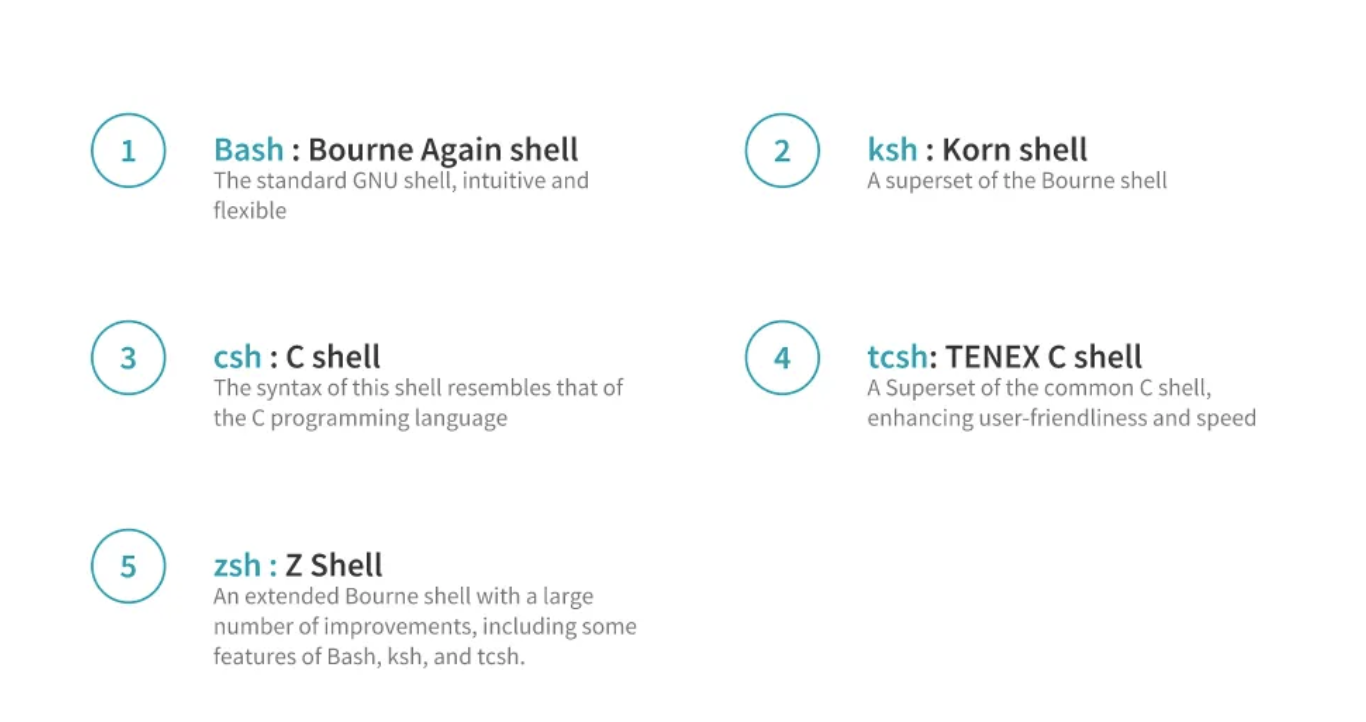
The most commonly used bash command
1.echo: similar to print
$echo 'Welcome to Bash'
2.date:display the current date and time
$date
3.cal:display the calendar of the current month
$cal
Notes: Ctrl+L or clear to clean the command line
4.pwd:display the current working directory
5.ls: list the contents of the directory
Parameters
5.1 ls -a:For listing all the hidden files in a folder
5.2 ls -l:Prints out a longer and more detailed listing of the files
5.3 ls ~:tilde(~) is a short cut which denotes the home directory. So, regardless of what directory we are into, ls ~ will always list the home directory
6.cd: change directory
7.cd ..: To go back to the parent directory
8.mkdir: Create new directory
9.mv: move and it moves one or more files or directories from one place to another. Need to specify what we want to move, i.e., the source and where we want to move them, i.e., the destination
$mv source dest
10.touch: Create new file
11.rm: Remove but by default it does not remove any directories. But can use rm -r * within a directory, then every directory and file inside that directory is deleted
12.rmdir: Remove empty directory
13.cat: Viewing the file content, to view more than one file, mention both the filenames after the cat command $cat Name.txt file.txt
14.less: let us view the contents of the file one screen at a time